
Outage readiness checklist
What to set before storm season, when a storm is forecast and while the power is out.
- Before the season
- Critical loads, reserve, labels, supplies
- Storm forecast
- Battery full, car charged, water heated
- During the outage
- Big loads off, charge checked, safety first
- Items
- 15, saved as a CSV or printed
Checklist
Outages have been getting longer. EIA reports that US electricity customers averaged 11 hours of interruptions in 2024, nearly twice the annual average of the decade before, up from about five and a half hours in 2022. Major events caused 80% of the 2024 hours; interruptions outside major events routinely average about two hours a year. The long outages come with storms, and storms usually come with a forecast. This checklist uses that warning. It has 15 items in three groups; tick them as you go and print the list for the kitchen drawer.
Before storm season
Critical loads listed with their watts. Use the battery sizing worksheet to list what must keep running (refrigerator, furnace blower, sump pump, internet, some lights) and how many kWh a day it adds up to.
Battery reserve raised for storm season. The backup runtime calculator shows what each reserve level gives in hours. In the fictional example, a 13.5 kWh battery at a 20% reserve gives 7.8 hours for a 330 watt load; full, it gives 38.9 hours.
Backup circuits labeled at the panel. If your battery backs up only some circuits, you need to know which ones before the lights go out.
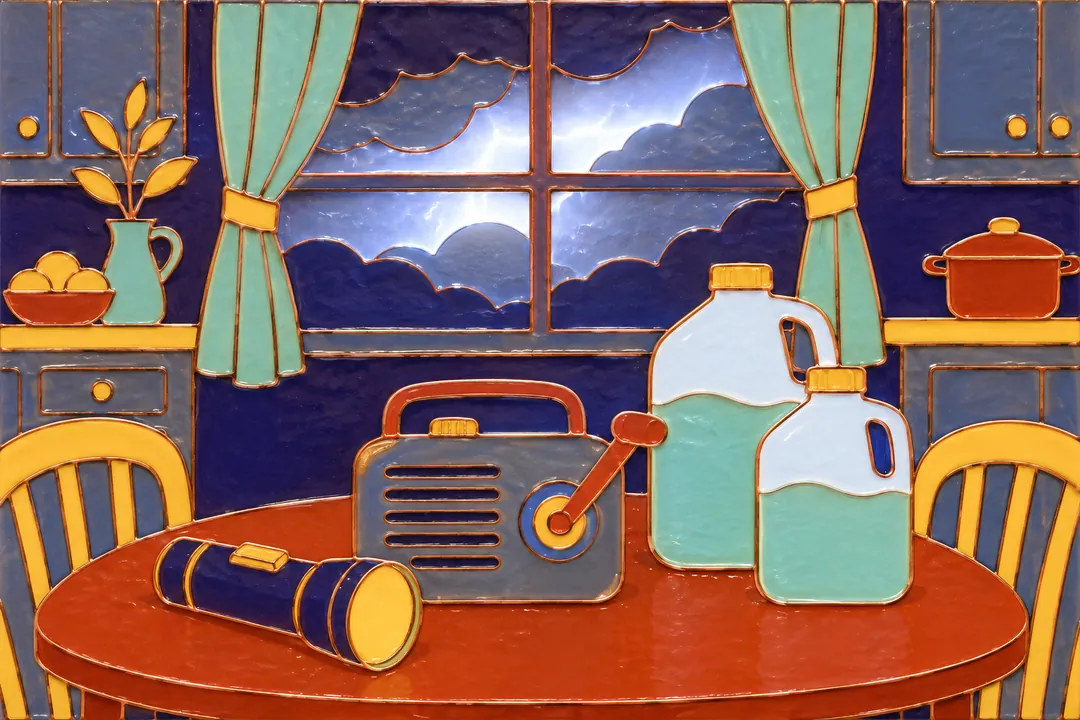
Flashlights, batteries and a radio in one place. A hand-crank or battery radio still works when the internet does not.
Medical devices that need power noted, with a backup plan. Write down each device’s watts and how long it must run, and ask your utility and your care provider what to do in a long outage.
The utility’s outage map and reporting number saved on your phone and on paper.
When a storm is forecast
- Battery charged to full. If your battery app has a storm or weather alert mode, switch it on so the battery fills ahead of the storm.
- EV charged to your usual daily need plus a margin. You may need to drive, and the car is not a backup supply unless your equipment is designed for it.
- Water heater heated ahead of time. A full tank of hot water lasts a while after the power goes.
- Phones and laptops charged.
- Freezer and refrigerator set colder and kept closed. The colder they start, the longer they hold.
During the outage
- Large loads off: the dryer, the oven, EV charging and spare freezers. Every watt you do not use is time added to the battery.
- Battery charge checked every few hours, so you can shed loads before it runs low rather than after.
- A generator, if you have one, used only outdoors and away from windows. Exhaust contains carbon monoxide.
- Downed lines reported to the utility, and never approached.
How a schedule fits in
A battery that covers the evening peak every day is often near its reserve at night, which is exactly when a storm can arrive. That is why the reserve deserves a decision rather than a default. In a Culni plan, the backup reserve is set with you, the schedule never spends the battery below it, and it can rise ahead of a forecast storm. The plan states the hours of backup it gives for the loads you list, at the reserve you choose. What any battery can actually run depends on the hardware, how it was installed and its charge when the outage starts.
What to do next
If you are still choosing a battery, the home battery checklist lists the questions to ask about backup circuits and power ratings. The battery homes page explains how backup and daily savings share one battery. To get a reserve and backup hours worked out for your home, check my home.
TodayYour turn
Send your rate and your devices
Your utility and rate plan, one recent bill and the devices you have or plan. We reply with a written home energy plan: your rate decoded, which devices can connect, the daily schedule and its estimated value with every assumption shown.
Remote. No site visit needed.